
SaaS solution

A CRM to sell with structure and serve customers better

Track every opportunity, automate follow-up and measure what works, from first contact to after-sales.

  • For: Sales, marketing and support teams
  • Availability: Purchase or rental

Sell with focus and never lose a lead

Bring leads, sales pipeline, campaigns and support tickets into one place, and follow up on every opportunity.

  • Leads under control
  • Sales follow-up
  • Organized support

Challenges it solves

Problems it solves

  • Leads arriving through several channels with no clear owner.
  • Quotes sent with no follow-up.
  • Customer history scattered across emails, calls and personal notes.
  • Complaints with no control over response times.
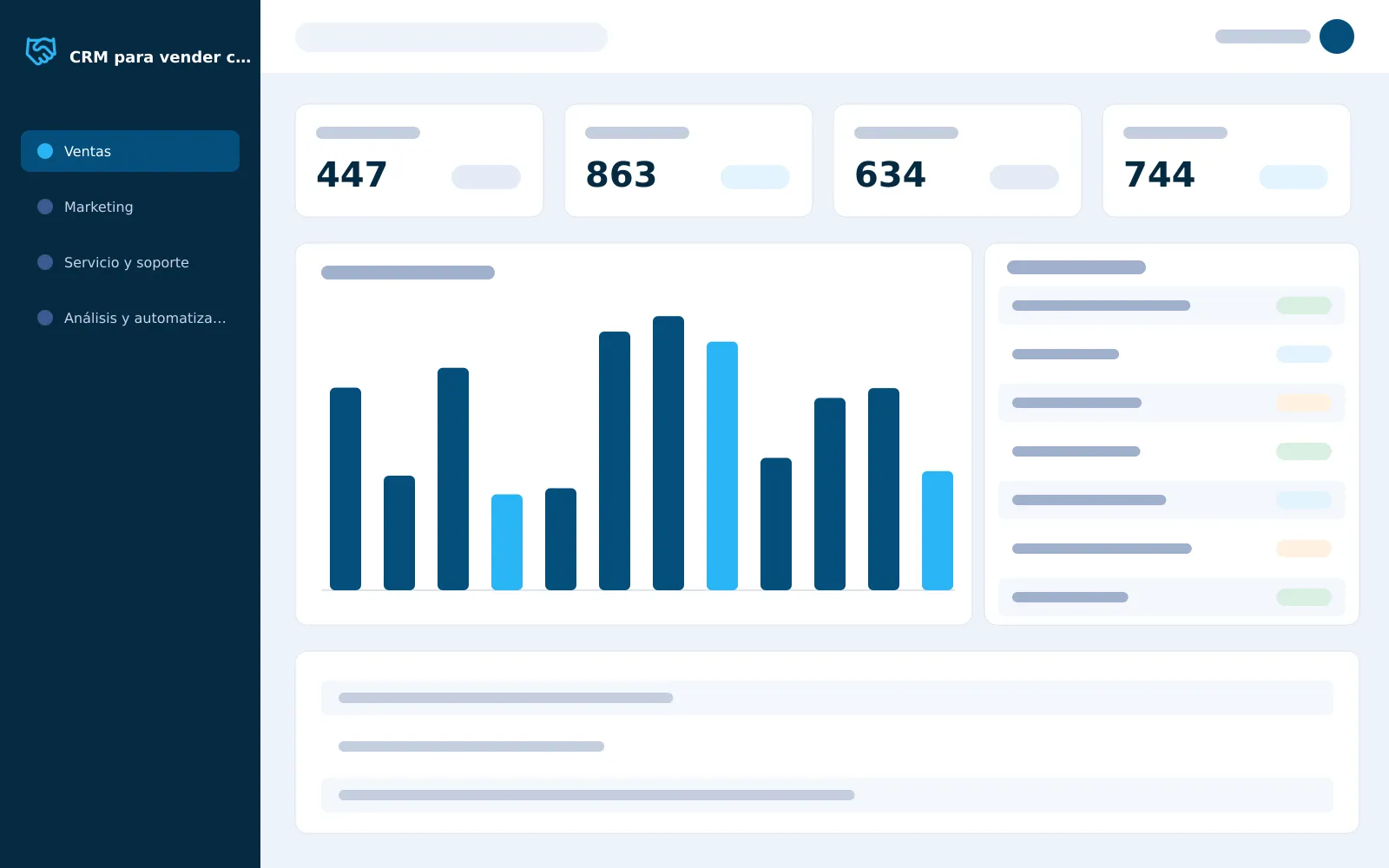
CRM screenshot

Features

Modules

Sales4

  • Lead management

    Capture, qualification and assignment to sales reps by source or profile.

  • Sales pipeline

    Opportunities by stage: contacted, proposal sent, negotiation.

  • Accounts and contacts

    Email, call and note history for each customer.

  • Sales forecast

    Projections based on history and the current pipeline.

Marketing3

  • Email campaigns

    Bulk or automated sends.

  • Lead nurturing

    Automated message sequences.

  • Segmentation

    By behavior, location or interests.

Service and support3

  • Tickets

    Logging, prioritizing and assigning issues.

  • Knowledge base

    Answers for customers and internal use.

  • SLA tracking

    Response and resolution times.

Analytics and automation2

  • Reports

    Sales rep performance, conversion rate and campaign return.

  • Automated workflows

    For example, a follow-up email three days after sending a quote.

Advantages

Benefits

What your team gains by working with a CRM.

  • Every lead has an owner

    Each lead is recorded and assigned to a sales rep by source or profile.

  • Full customer history

    Emails, calls and notes stay on each account, so anyone on the team can pick up the conversation.

  • Follow-up that isn’t forgotten

    Automated workflows send reminders and follow-up messages without relying on anyone’s memory.

  • Support with measured times

    Tickets are prioritized and assigned, and SLA tracking shows whether you respond and resolve on time.

  • Better-targeted campaigns

    Segmentation and automated sequences deliver the right message to each group of prospects.

  • Data-driven decisions

    Reports show conversion, rep performance and campaign return, and the forecast helps you plan.

Ideal for

Who it’s for

  • Sales teams working with quotes and follow-up.
  • Companies that win customers through the web, social media and referrals.
  • Support teams that need to measure response times.

Guide to implementing a CRM in your company

A CRM works when it reflects how your team sells and serves customers, not the other way around. This guide helps you decide whether you need one, what advantages it has over other tools and how to prepare so the change sticks.

When is it time to move from a spreadsheet to a CRM?

The clearest sign is that opportunities slip away without anyone noticing: leads arriving through your website, social media or referrals with no owner, quotes sent with no follow-up, or customers repeating their story every time they call. A spreadsheet can list contacts, but it does not assign leads, remind you when to follow up or measure response times.

A web-based CRM centralizes that information: every lead is recorded and assigned, every opportunity moves through the pipeline stages, and every email, call or note stays on the customer record. That way anyone on the team can pick up a conversation without starting from scratch.

What advantages does it have over several separate tools?

Many companies use one tool for bulk email, another for complaints and a spreadsheet for sales. The problem is that the information never connects: you do not know which campaign brought in the customer who is complaining today, or which salesperson handled them.

In a single CRM, sales, marketing and support share the same data. Segmentation uses your contacts' behavior, location or interests; automated workflows send follow-ups without relying on anyone's memory; and reports show conversion, salesperson performance and campaign return. If you also need finance, inventory or invoicing, the CRM is also part of our business ERP.

What does implementation look like, and what data should you migrate?

First we review how you work today: where your leads come from, what stages your sales process has and how complaints are handled. With that, we configure the pipeline, lead assignment and SLA control, and connect the forms on your website.

Before migrating, clean up. The essentials are usually your list of customers and contacts, open opportunities and recent history; duplicate or outdated records only clutter the system. What gets loaded at the start is defined with you, and the rollout comes with team training and ongoing support. If a process needs something more, we complement it with custom software or AI automation.

How do you measure whether the CRM is delivering results?

Decide from the start what you want to improve and use the CRM reports to track it. In sales, look at conversion rate and each salesperson's performance; in marketing, the return on each campaign; in customer service, whether tickets are answered and resolved within the agreed times.

A common mistake is looking at the data only at month-end. Review the pipeline every week: opportunities stuck at the same stage show where the process is getting blocked. Sales forecasting helps with planning, but its quality depends on the team recording every step, so daily use of the system is the first indicator worth looking after.
Request a demo

We’ll show you the solution running and assess together how it fits your operation.

FAQ

Frequently asked questions

Another question? Write to us and we’ll get back to you shortly.

Can it receive leads from my website?

Yes. The CRM records leads coming from web forms and assigns them to reps by source or profile; the connection is set up during implementation.

Does it cover customer support as well as sales?

Yes. It includes tickets, a knowledge base and tracking of response and resolution times.

Can I buy it or rent it?

Both. You can purchase the CRM or rent it; we’ll help you choose based on your team size and plans.

Does it connect to an ERP?

The CRM is also part of our business ERP. If you already use another system, we assess the integration.

What is a CRM and what is it for?

It’s a system to manage your customer relationships: it records every contact, opportunity and complaint in one place. It helps you sell with structure, follow up and serve customers better.

Do I need to install anything on our computers?

No. It’s a web-based CRM: your team uses it from the browser, with no software to install on each computer.

Can I bring over my current contacts and customers?

Yes. We review the information you have today, in spreadsheets or another system, and define what gets loaded at the start.

How long does implementation take?

It depends on the scope: how many modules, users and integrations you need. We define it with you in the proposal.

Does it include training and support?

Yes. We support the rollout with training for your team and ongoing support; the scope is detailed in the proposal.

Do you work with companies outside Peru?

Yes. We work remotely and have clients in Peru and in other countries in Latin America and Europe.

Which GSCREATIVAS services support the implementation?

Depending on your project, we complement it with Custom software development and AI automation. If your process needs something the solution doesn't cover, we build it custom.

No-obligation quote

How many opportunities slip away for lack of follow-up?

We’ll show you how to bring order to your sales process.

Request information

Which process you want to improve, timelines and anything useful.

How many opportunities slip away for lack of follow-up?

We’ll show you how to bring order to your sales process.